
Audience-centered
Audience-centered marketing in Mailchimp
See how Mailchimp helps you put your audience at the heart of your marketing.
Dynamic Content
Tired of all the effort it takes to create multiple versions of emails for different contacts? Create more personalized emails without doing extra work.

Send content that matters the most, and drive more engagement and results.
Create just one email and dynamically personalize it for multiple contacts.
Drag and drop content blocks to personalize messages—no coding needed.
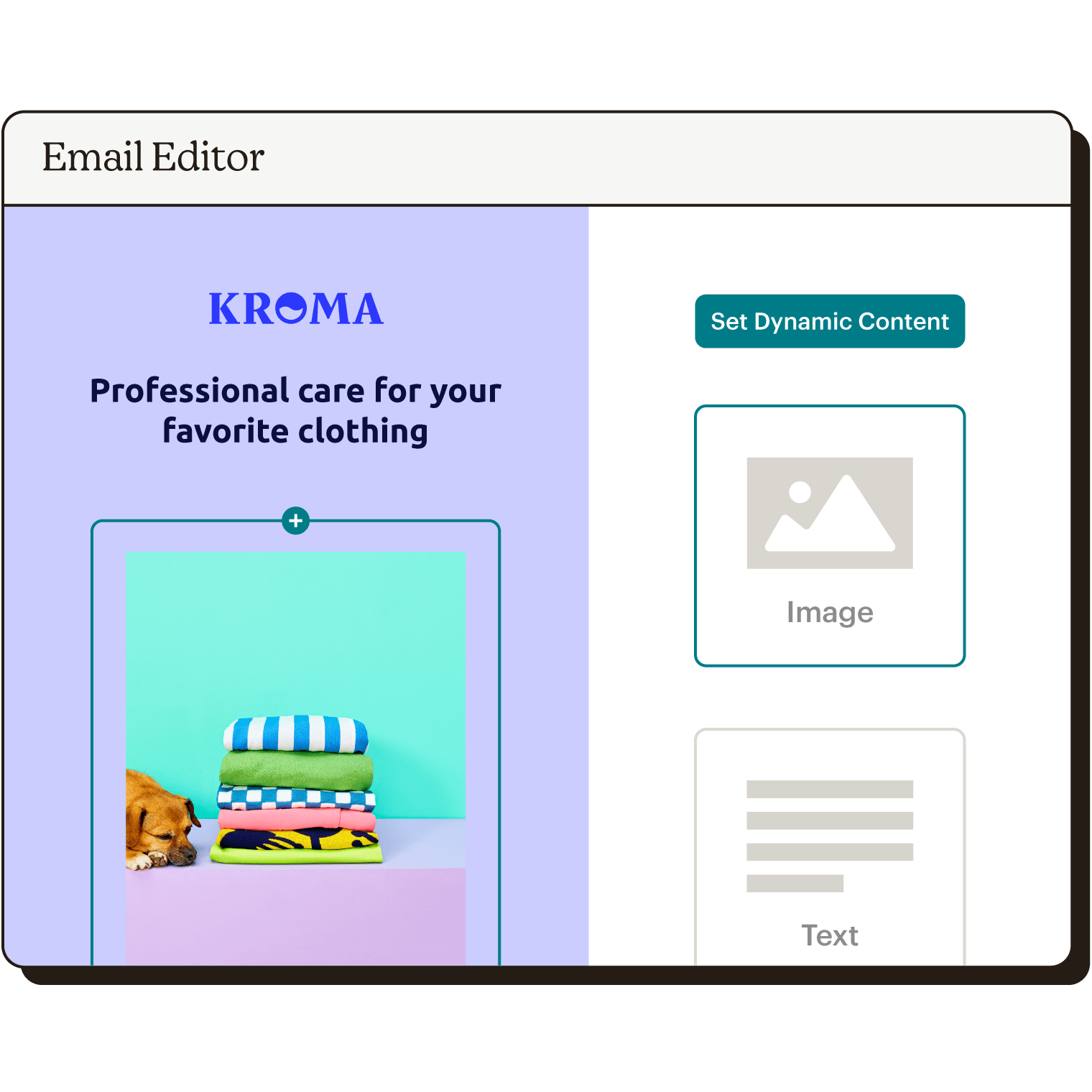
Drag any content block into your email and quickly start personalizing content.
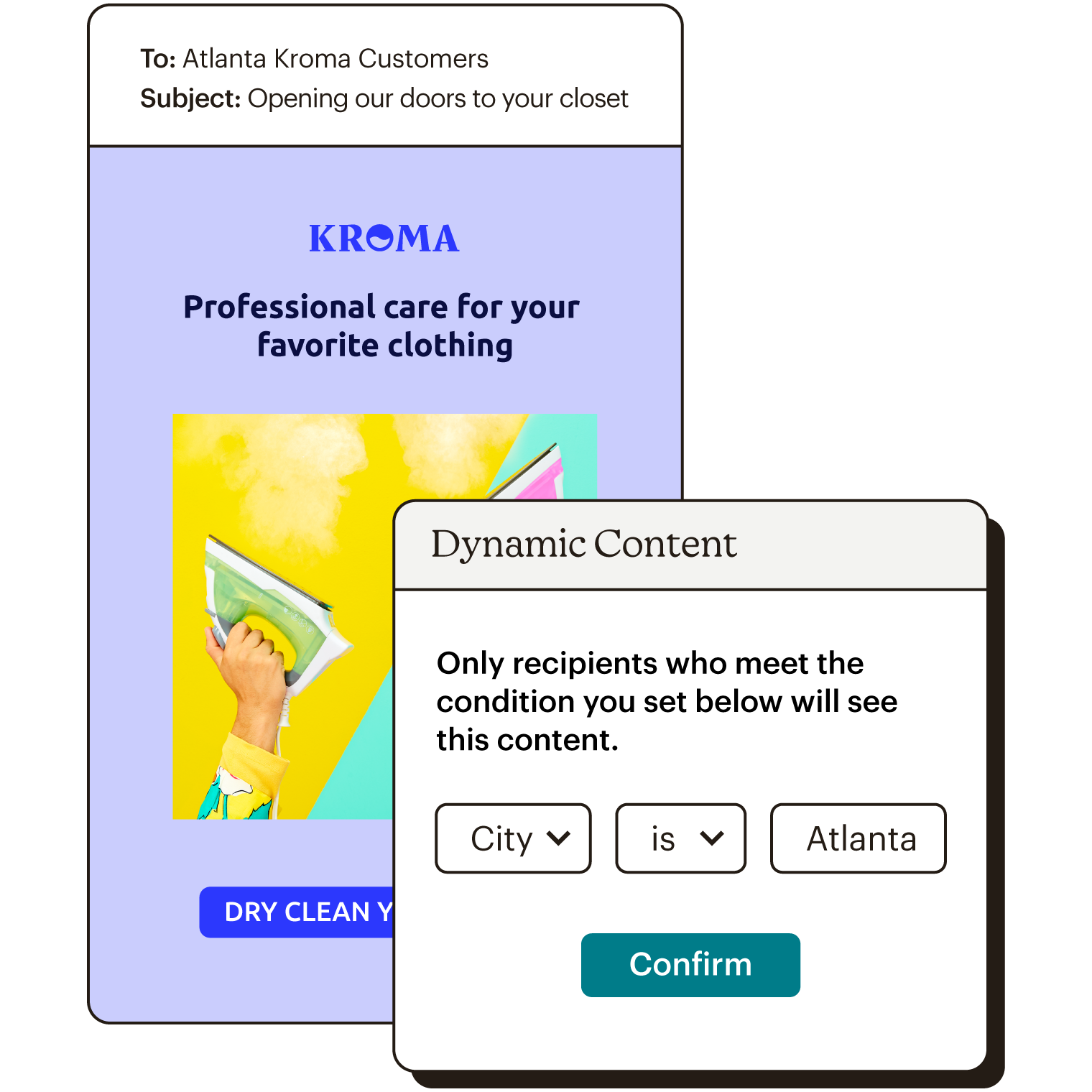
Select your target contacts using your saved groups and merge tags.
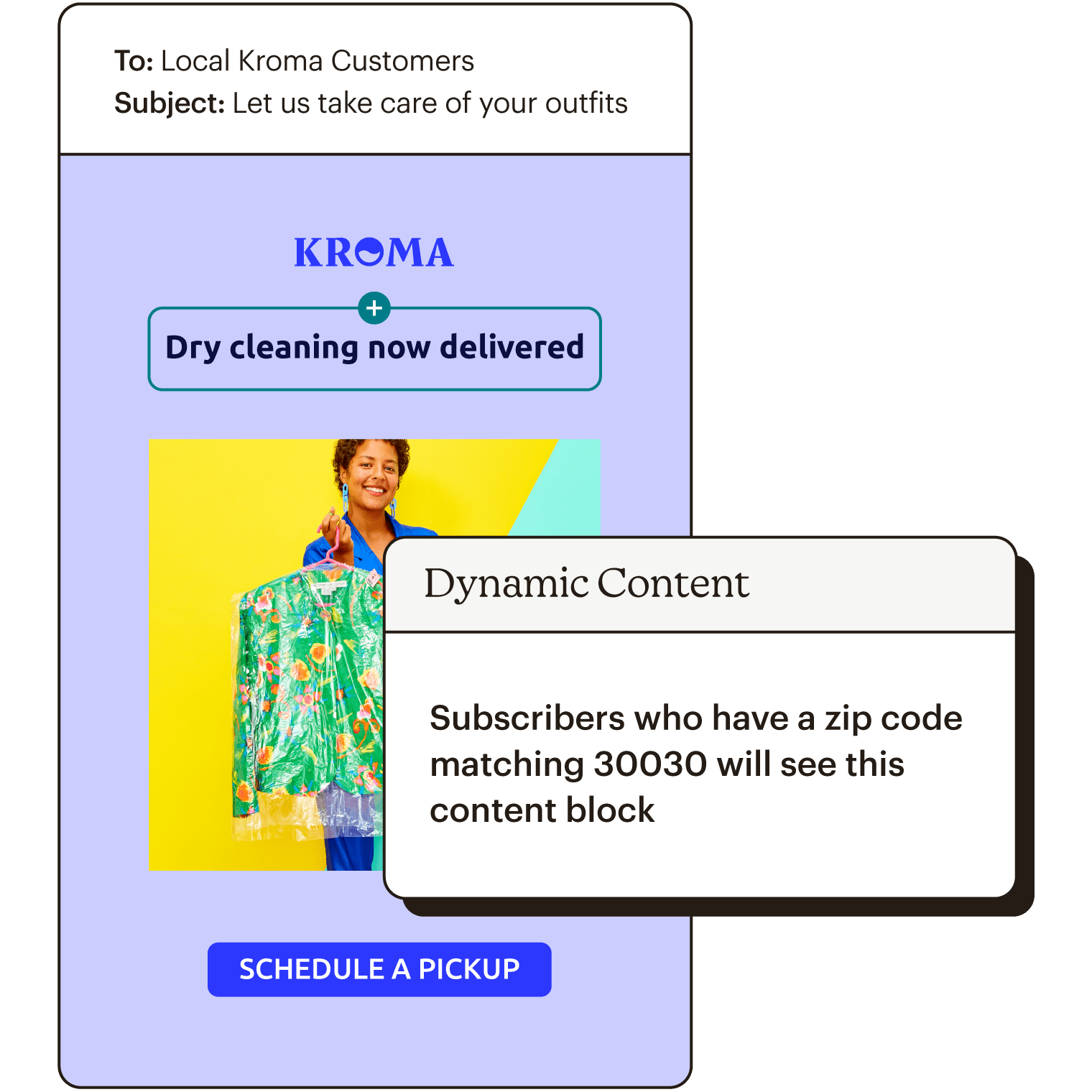
Write compelling copy in the text box that resonates with your selected contacts, then repeat with the next block.
Available in our Standard or Premium plans.
Dynamic emails allow you to send a single email to different clients while personalizing each message. For example, say you want to send out a holiday newsletter. Instead of starting the email with “Dear reader,” you can automatically prompt the system to change it to “Dear [recipient name].” This way, every contact receives a tailored message without you having to make the changes manually.
Dynamic emails work by following content parameters and the existing customer data you have. Enabling dynamic content for your email marketing campaigns can lead to more engagement, a boost in sales, and a better relationship with you and your most active contacts.
Dynamic content in email marketing ensures the right content is shown to the correct people and that every message you send is personalized—even if it’s sent out in bulk. As a result, you don’t have to create a new email or send a follow-up message for content you only want some contacts to see. Whether you want to provide a promo code for customers in certain locations or show off new products to specific age groups, we can help.
Our dynamic email marketing feature empowers you to create more personalized emails in less time, so you can focus on other important tasks. Several types of email content blocks support dynamic content, allowing you to customize every email however you want. Plus, this unique feature is easy to use and doesn’t require coding knowledge.
Our dynamic content email marketing software allows you to personalize an email with a name. To get started, it’s important to understand how to use merge tags because audience field merge tags pull existing customer data to incorporate into your email. Here’s how to use this feature to automatically populate a contact’s name in a marketing campaign:
With Mailchimp, personalizing your emails with dynamic content email marketing is easy. To enable dynamic content and customize an email, you first need to set the feature. This process can look different depending on whether you’re using the new or classic builder.
If you decide to make changes to your dynamic content settings, you can do so by clicking the content block you want to work with.
Audience-centered
See how Mailchimp helps you put your audience at the heart of your marketing.
Audience Management
See how Mailchimp’s audience management tools can help you create audience and customer segments for better marketing campaigns.
Segmentation
Our segmentation tools make it easy to send people messages that matter to them, without overwhelming them with ones that don’t.
