Email Marketing Tools
Win customers with the #1 email marketing and automations platform*
Grow your revenue with targeted and engaging emails that get more customers to open, click, and buy.
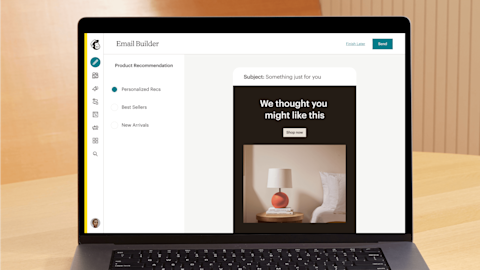
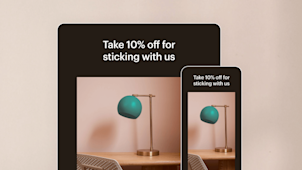
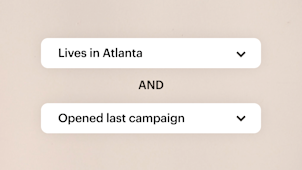
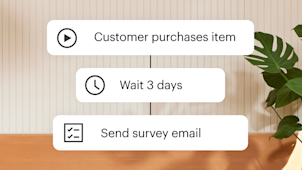
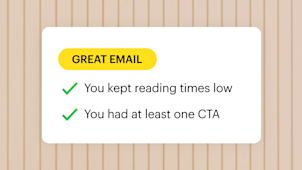
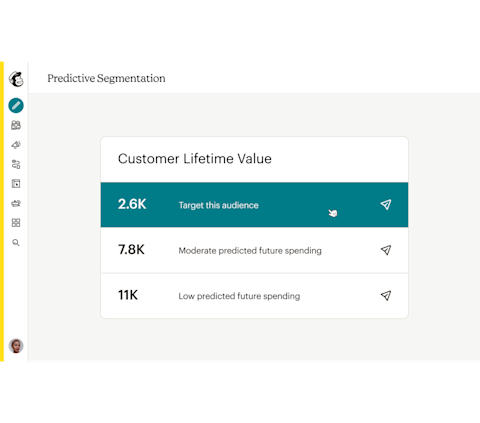
Outperform your last campaign with Mailchimp's data-driven email marketing tools
Most email marketing tools tell you how your emails performed. Mailchimp shows you ways to get more engagement and revenue.
Get started today
Premium
Scale fast with dedicated onboarding, unlimited contacts, and priority support; built for teams.
Talk to Sales You've selected more contacts than this plan allows
Save 15% on 10,000+ contacts
per month for 12 months
Then, starts at per month†
- Phone & Priority Support
- Popup Forms
- Multivariate and A/B Testing
- Enhanced marketing automation flows
- Dedicated Personalized Onboarding
- Predictive Segmentation
- Behavioral Targeting
Standard
Sell even more with personalization, optimization tools, and enhanced automations.
Contact limit exceeded You've selected more contacts than this plan allows
Free for 14 days
Then, starts at 0per month†
per month for 12 months
Then, starts at per month†
- 24/7 Email & Chat Support
- Popup Forms
- Multivariate & A/B Testing
- Enhanced marketing automation flows
- Personalized Onboarding
- Predictive Segmentation
- Behavioral Targeting
Essentials
Send the right content at the right time with testing and scheduling features.
Contact limit exceeded You've selected more contacts than this plan allows
Free for 14 days
Then, starts at 0per month†
per month for 12 months
Then, starts at per month†
- 24/7 Email & Chat Support
- Popup Forms
- A/B Testing
- Basic marketing automation flows
-
Personalized Onboarding
-
Predictive Segmentation
-
Behavioral Targeting
Free
Easily create email campaigns and learn more about your customers.
Contact limit exceeded You've selected more contacts than this plan allows
Limit of 250 contacts
$ 0 per month†
- Email support for first 30 days
- Popup Forms
-
A/B Testing
-
Basic marketing automation flows
-
Onboarding
-
Predictive Segmentation
-
Behavioral Targeting
†See Free Trial Terms and Offer Terms. Send up to 100 emails without payment info.
Overagesapply if contact or email send limit is exceeded. Free plan sending will be paused if contact or email send limit is exceeded. Learn more.
Keep your customers engaged and your business growing
Learn how to drive more site traffic and sales from a marketing platform that sends half a billion emails every day.
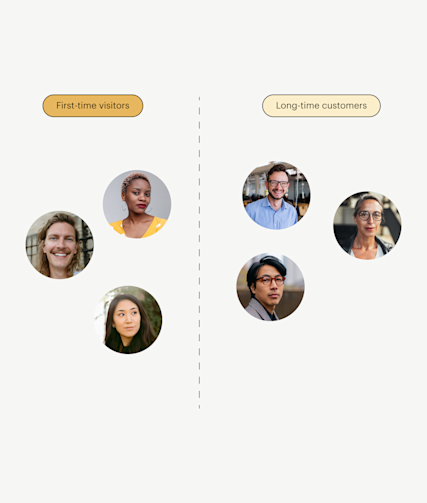
Send more relevant emails, earn more revenue
Boost customer engagement and loyalty by focusing on the right people with our segmentation tools and sending the right message with automations.
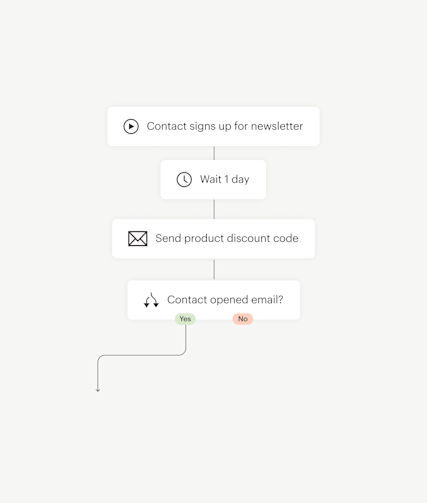
See up to 4x more orders* by creating automations with our Customer Journey Builder.
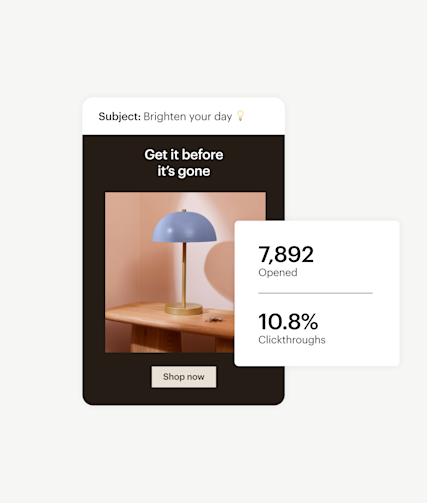
Take the guesswork out of your email marketing
Use A/B testing and analytics to create highly-effective marketing campaigns. Get suggestions for improving your content based on top-performing emails in your industry—and recommendations for optimal send times, too.
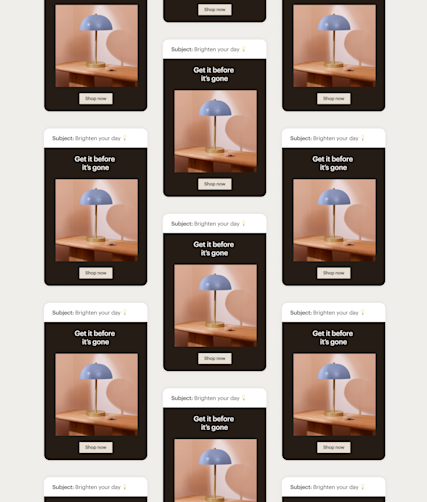
Trust that your emails are reaching customers’ inboxes
Our >99% delivery rate for transactional and marketing emails is one of the highest in the industry. We’ll take care of the technical stuff so that your team can see a higher return on your strategy.
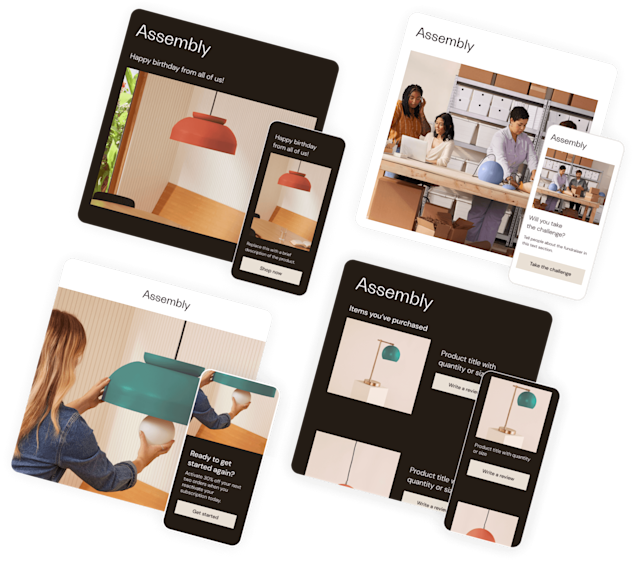
Email templates made for inspiration and impact
Choose from a variety of expertly-designed templates or customize your own with HTML to express your brand and impress your customers.
What's new in Mailchimp?
Spend less time creating emails and reports—and accelerate growth—with our advanced new marketing features.

“In terms of generating sales, we see that across pretty much every campaign that we run, it results in somebody buying something—even if we're not directly going out and selling a product through the campaign.”
Dru Jaeger, Club Soda Co-Founder
“Automations Flows help us be more efficient and productive, because by inputting all the information, we just need to let the magic happen.”
7.4% Click-through rate in welcome flows as of June 2023
13% Online sales made via email in 2022

Bring in more data, drive more growth with our integrations
-

Canva
Create compelling visuals for your marketing.
-

Mailchimp for Salesforce
Sync your Mailchimp subscribers and Salesforce® leads across platforms.
-

Instagram
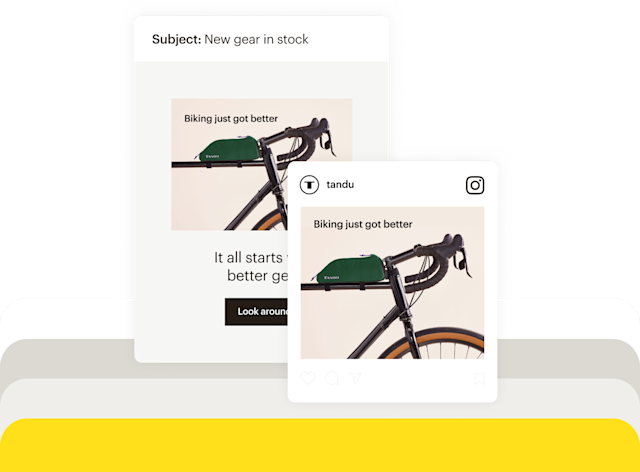
Promote and share your Instagram posts in email campaigns.
-
Shopify
Sync Shopify customers, products, and purchase data to Mailchimp.
-

Google Analytics
Unlock powerful insights with campaign, website, or landing page data.
-

WooCommerce
Power your ecommerce store with smart marketing features.
-

QuickBooks Online
Bring together your marketing tools and invoice data.
-

Squarespace Commerce
Market your ecommerce business and drive sales.
-

Zapier
Automatically pass data between web services without a single line of code.
FAQs
-
Email marketing can be a powerful part of any company’s marketing strategy. By taking advantage of effective email marketing tools, you can engage with your audience by crafting personalized messages that appeal to their interests. And, with free email marketing tools, this can be an extremely cost-effective way of marketing your business.
-
The first step in sending an email campaign through Mailchimp is creating an email. Once you begin, the next step is to add recipients. Recipients may include all the subscribers in your audience or only certain segments, depending on your goals and preferences.
After you’ve determined who your recipients are, you’ll just need to include your name and email address, write a subject line, and design the email. Mailchimp offers a wide variety of templates, designs, and tools that make it easy to create sleek and user-friendly emails.
After these basic steps have been completed and you’ve configured the settings to your liking, all you have to do is review your campaign and send it! -
Email marketing can serve as a cornerstone of any company’s digital marketing strategy. If you don’t already have an email marketing strategy in place or you’re interested in improving your company’s email marketing campaigns, check out Mailchimp.
Gain access to free email marketing tools when you create an account with Mailchimp. With our email marketing solutions, you can quickly and easily organize your audience, segment customers, write and design emails, set timing preferences and triggers, and evaluate your performance. -
To use Mailchimp for email marketing, start by creating an account for your business. You’ll be able to choose from a variety of plans, including our Free email marketing plan, which comes with a suite of powerful tools.
Once your account is set up, add or collect contacts to create an audience. You’ll also be able to create signup forms that make it easy for customers to add themselves to your email list.
To begin an email campaign, simply determine your target audience, write and design your email, and send out the campaign. Make sure to monitor your performance in order to gauge the success of your email marketing campaign. -
There are many types of email marketing campaigns. However, there are four principal types of marketing emails, which include:
- Promotional emails: Promotional emails advertise a company’s products or services, often by promoting sales, discounts, seasonal events, company events, and so on.
- Product update emails: These emails inform customers about new or updated products.
- Digital newsletters: Digital newsletters are regularly sent to a company’s email list to inform customers of company or industry updates by providing interesting articles or relevant news.
- Transactional emails: These emails are typically triggered by a customer action. For example, if a customer buys a product, they may receive a confirmation email or a follow-up email that asks for their feedback.
-
Email marketing services like Mailchimp streamline the process of creating and sending out email marketing campaigns. Using Mailchimp, you can create and manage an audience, configure email marketing campaigns, and monitor their performance, all on one platform.
-
Email marketing is a marketing tactic where companies communicate commercial information to customers on their email list. Companies may use email marketing to inform customers of new products, advertise upcoming sales, share content, or do any number of other things, with the goal of promoting your brand and engaging with customers.
-
Email marketing software makes it easy for companies to create and monitor email marketing campaigns. With email marketing services like Mailchimp, it’s easy to build and segment your audience, create sleek emails, send out campaigns, analyze your performance, and more.
-
Mailchimp is a marketing platform that enables businesses to create and send out email marketing campaigns. With Mailchimp, companies can store and manage customer information, then leverage that data to create effective email marketing campaigns. Best of all, companies can engage in free email marketing when they use Mailchimp’s Free plan.
Disclaimers
- #1 email marketing and automations platform: Based on competitor brands' publicly available data on worldwide numbers of customers in 2023.
- Up to 4x more orders through users' connected stores versus when they used bulk emails. CJB only available on paid plans. Features and functionality vary by plan.
- Popup forms (beta): Very limited availability to new and existing Mailchimp users and on web browsers only. Features may be more broadly available soon, but represents no obligation and should not be relied on in making a purchasing decision. Availability of features and functionality varies by plan type. For details, view plans and pricing.