
Transactional email infrastructure
Learn about our global infrastructure, which helps you send transactional emails that reach inboxes, not spam folders.


Transactional email
Flexibility makes it easy to send and receive emails.

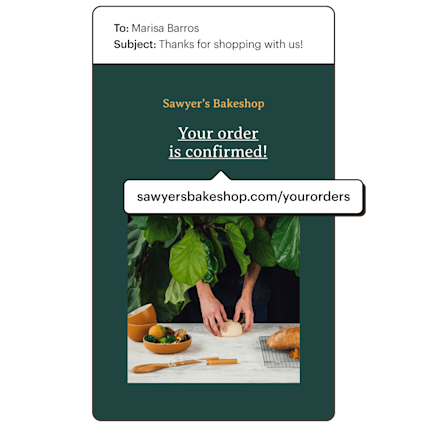
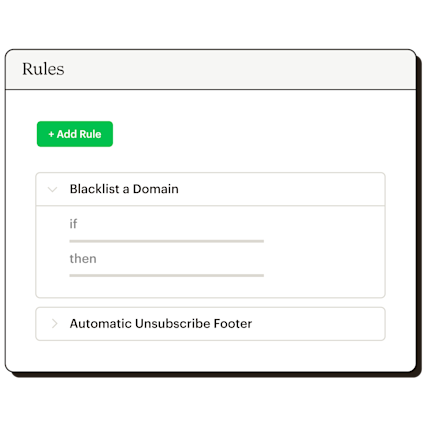
Apply automatic rules to inbound or outbound emails without modifying your code.
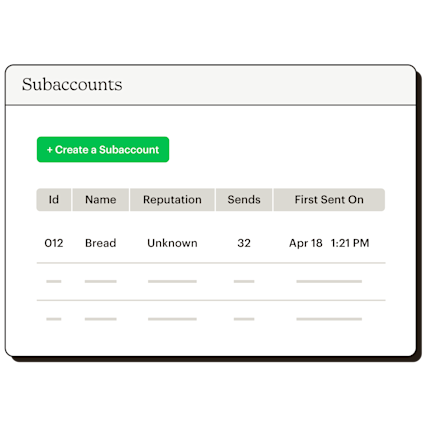
Manage multiple brands or products with different domains using subaccounts.
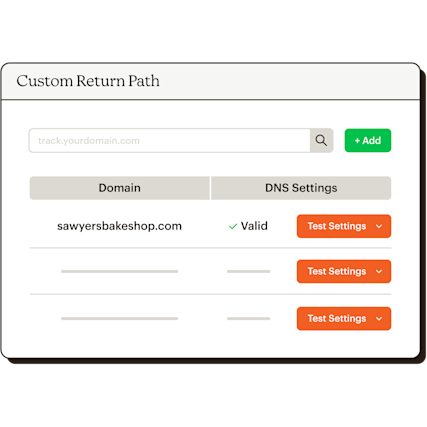
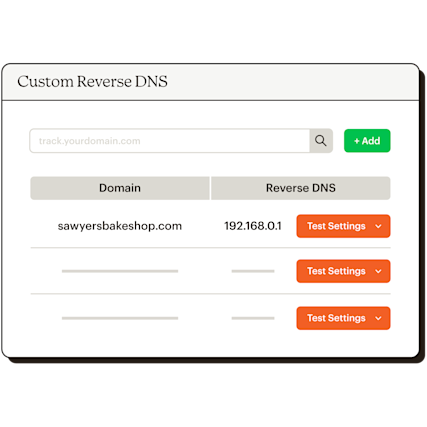
Connect the domain with your dedicated IP address to build your reputation with ISPs.
A transactional email is an automated, one-to-one message triggered by something a user did, such as placing an order, resetting a password, or signing up for an account. Unlike marketing emails, which go out to lists on a schedule, transactional emails are sent to a single person in direct response to their action.
This is what makes marketing and transaction emails so different. With transactional emails, recipients are expecting the message, which is why transactional emails consistently see higher open rates than promotional sends. The best transactional email service sends these messages reliably, at speed, every time.
Learn more about transactional email with Mailchimp.
These messages show up at almost every stage of the customer journey. Common transactional email examples include:
Order confirmations: Sent immediately after a purchase so customers know the transaction went through. Shipping notifications and tracking updates: Keeps buyers in the loop from warehouse to doorstep. Password reset emails: Triggered the moment someone requests a new password—timing is everything here. Account creation and welcome emails: The first message a new user receives after signing up. Subscription receipts and renewal notices: Confirm billing details and keep customers informed about upcoming charges. Two-factor authentication codes: Security-critical sends that need to arrive in seconds, not minutes. Appointment confirmations and reminders: Reduce no-shows and give customers something to reference.
A transactional email service is a platform built specifically to send high-volume, triggered, one-to-one emails with consistent reliability. It's different from a standard email marketing platform, which is optimized for bulk list sends — not real-time individual delivery. When evaluating a transactional email service, here's what to look for:
Deliverability infrastructure: Dedicated IPs and domain reputation tools that keep your messages out of spam folders. API access: A well-documented API so your developers can integrate quickly and trigger sends from your app or backend. Analytics: Open rates, click rates, bounce data, and delivery reporting at the message level. Custom domain support: Branded tracking URLs and custom return paths that reinforce your domain reputation. Scalability: The ability to handle send volume spikes without delays or failures.
Mailchimp's transactional email service is built for developers and businesses that need triggered email to work at scale, with the infrastructure and tooling to back it up.
Marketing email goes out to a list and includes promotional content, newsletters, and announcements, either on a schedule or through an automated sequence. Transactional email goes to one person, triggered by something they specifically did, and they're expecting it.
That difference between marketing and transactional emails also extends to the sending infrastructure. Marketing and transactional emails should never share the same sending setup.
Transactional email requires dedicated IPs and higher deliverability standards because a missed order confirmation or password reset creates a real problem for the recipient. Running both through the same infrastructure puts deliverability at risk — a reputation hit from a marketing campaign can delay or block time-sensitive transactional sends.
Deliverability for transactional email is built on dedicated infrastructure that runs separately from marketing sends. Here's how the core pieces fit together:
Dedicated sending infrastructure: Keeps your transactional reputation isolated from your marketing campaigns so one doesn't affect the other. Custom reverse DNS: Maps your sending IP back to your domain, which builds trust with ISPs over time. Custom return path: Handles bounces cleanly under your own domain rather than a shared one. Branded tracking URLs: Use your domain for open and click tracking, keeping your domain reputation consistent across every send.
Deliverability matters more here than it does for marketing emails. When someone is waiting for an authentication code or a shipping update, a message that lands in spam isn't just an inconvenience.
When using transactional emails at scale, the configuration options your service provides can have a real impact on performance and brand consistency. Mailchimp transactional emails include all of these out of the box:
Branded URLs: Custom tracking domains so every link reflects your domain, not a shared one. Rules engine: Automatic handling for inbound and outbound email based on conditions you set. Subaccounts: Manage multiple brands or products under a single account without mixing sending reputations. Custom return path: Whitelabeled bounce handling that keeps your domain front and center. Custom reverse DNS: Dedicated IP reputation building tied directly to your domain.
Getting set up with Mailchimp Transactional email is straightforward. Follow these steps to send transactional emails reliably from day one:
Choose a transactional email service with a dedicated API: You'll need API access to trigger sends from your application or backend system. Verify your sending domain: Domain verification is required before you can send. Set up authentication: Configure SPF, DKIM, and DMARC records to protect your domain and improve deliverability. Configure custom return path and reverse DNS: These two settings do the most work for long-term IP reputation. Test before you scale: Send to a small volume first to confirm everything is working end-to-end.
New Mailchimp Transactional email users get up to 500 free sends to a verified domain, so you can test the full setup before committing at volume.
Create and send custom transactional emails that get delivered.
Learn about our global infrastructure, which helps you send transactional emails that reach inboxes, not spam folders.
Send personalized, event-driven messages at scale with the speed and reliability of Mailchimp.
View flexible and scalable analytics any way you want on a custom dashboard, export API or via webhooks.