Integrations

MyPlace

Automatically grow your Mailchimp audience from guest WiFi logins at your restaurant, hotel, bar, or venue.

Cost
Paid
Developer
MyPlace

MyPlace turns your venue's WiFi into a list-building machine for Mailchimp.

When guests log in to WiFi at your restaurant, hotel, bar, or venue, their email address syncs directly to your Mailchimp audience. No CSV exports. No manual imports. It just works.

Every contact is a real person who walked through your door, not a purchased list or scraped email. Your list grows in the background while you focus on running your business.

Guest data is collected with explicit consent, fully compliant with GDPR and CCPA. You get a clean, permission-based list ready for campaigns.

Works with any WiFi hardware. Connect your venues and start growing your Mailchimp audience today.
Support

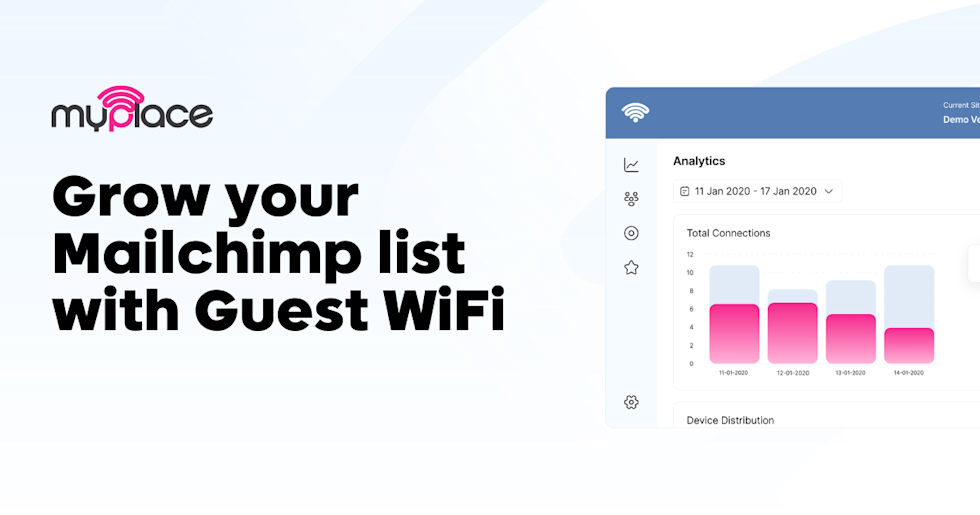
Banner image for MyPlace featuring the headline “Grow your Mailchimp list with Guest WiFi” in bold black text on a light background. The MyPlace logo appears at the top left. On the right side, there is a partial dashboard interface showing analytics with bar charts in pink and gray, including a “Total Connections” graph and date range selector.

Guests connect to WiFi and share their email and preferences. Verified data syncs to Mailchimp automatically. No manual exports.

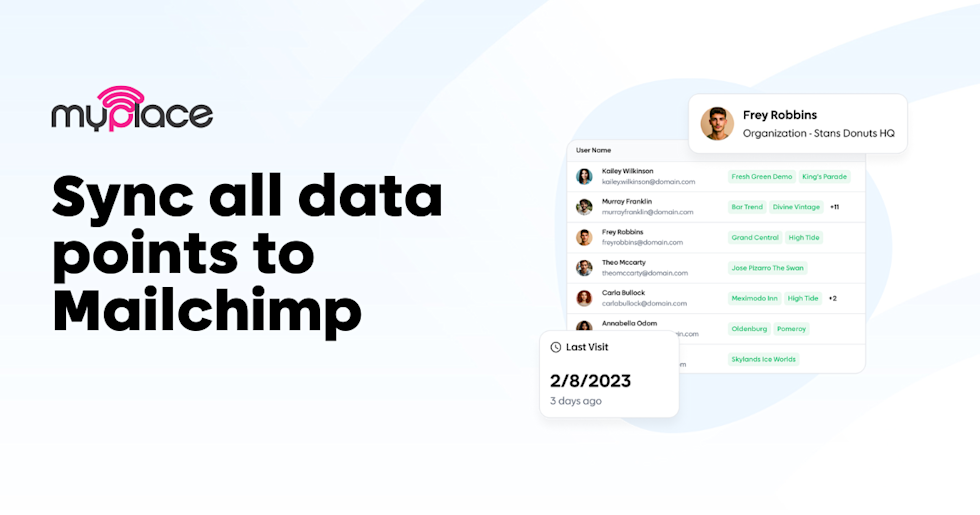
Promotional banner for MyPlace with the headline “Sync all data points to Mailchimp” in large bold text on a light background. The MyPlace logo appears in the top left. On the right side, a mockup of a user dashboard shows a list of names and locations, a profile pop-up for “Frey Robbins – Organization: Stans Donuts HQ,” and a small card displaying “Last Visit 2/8/2023 – 3 days ago.”

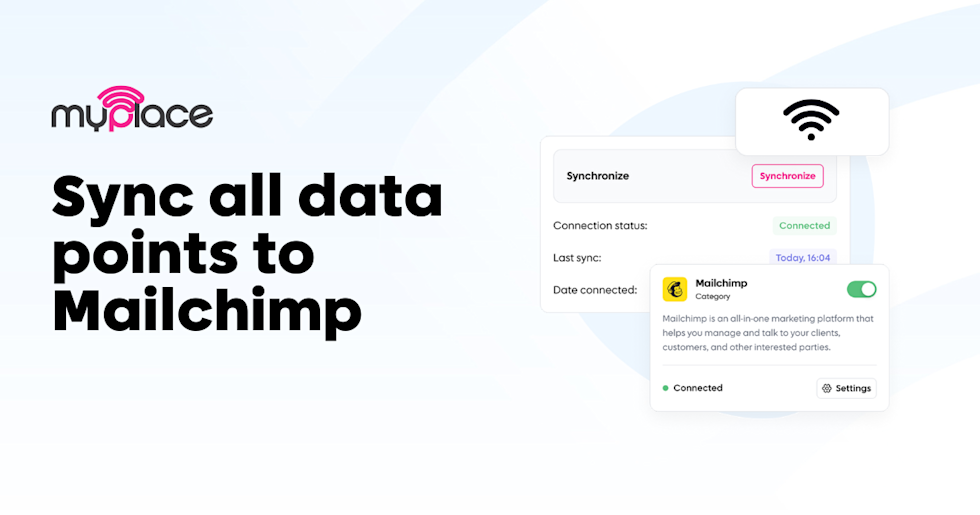
Connect Mailchimp in one click. Choose your audience, map custom fields, and control exactly what data syncs to your lists.

Marketing banner for MyPlace with the headline “Sync all data points to Mailchimp” in large bold text on a light background. The MyPlace logo appears at the top left. On the right side, a dashboard mockup shows a “Synchronize” panel with connection status marked “Connected,” last sync time, and date connected. A Mailchimp integration card is displayed with the Mailchimp logo, a toggle switched on, and a status indicator showing “Connected,” alongside a WiFi icon above the panel.

Verified guest contacts appear in your Mailchimp audience with visit data, location tags, and custom fields for targeted campaigns.