Design in Canva, send in Mailchimp
Share select designs as full emails with clickable links or sync your entire library to Mailchimp—all with two easy-to-use Canva integrations.
- Cost
- Free plan available
- Developer
- Mailchimp
- Languages
- English, French, Spanish, German, Italian, Portuguese
-
#1
email and marketing automation platform*
-
>99%
average email deliverability rate
-
500 million
emails sent each day on average
Go from create to campaign with your full suite of Canva-powered features.
Two ways to connect
Take your campaigns further with our latest integrations. Features and functionality vary by plan.
-
Share select designs as emails with clickable links
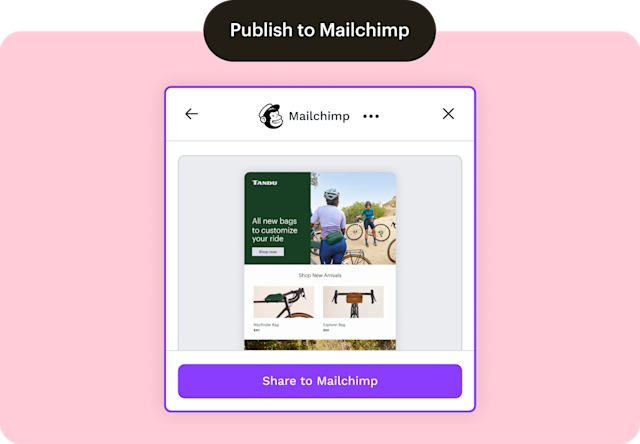
Use the Publish to Mailchimp integration to share select Canva designs into Mailchimp as full emails, ready to send without the manual lift.
Say goodbye to static images and rebuilding designs. Our HTML import feature transfers and preserves your assets for your next campaign.
Reach customers when it matters most. Share timely promotions, product drops, and announcements using Canva’s Share button.
-
Sync your entire library to streamline your campaigns
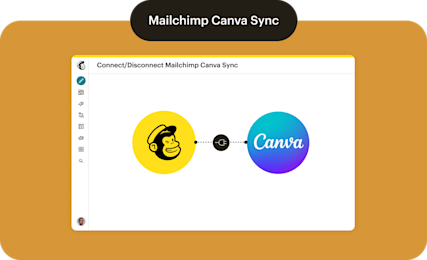
Use the Mailchimp Canva Sync integration to sync your Canva library to our Content Studio, keeping designs ready for your next campaign.
Design great emails in Mailchimp with our drag-and-drop editor, and add on-brand logos, banners, infographics, and more with Canva’s Magic Studio.
Manage synced Canva assets and find guides and tutorials, all in your post-connection dashboard in Mailchimp, to make the most of this integration.
Share Canva designs to Mailchimp, ready to send
Save time by sharing select designs as full emails with clickable links, so you can go from design to publish with your layouts intact.
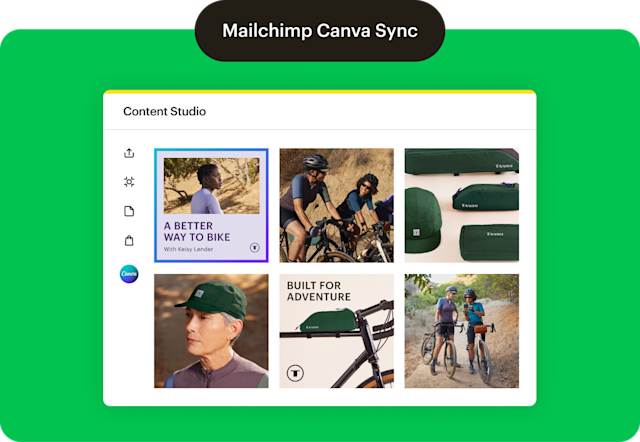
Sync your entire Canva library to Mailchimp
Working with a lot of shared assets? Sync your entire library into our Content Studio to easily access the right visuals for your next campaign.
Requirements
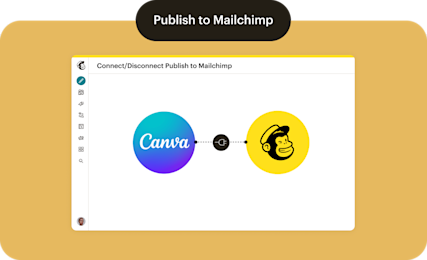
A Canva account to use this integration, which will connect a single free or paid Canva account to your Mailchimp account.
See Connect or Disconnect Mailchimp Canva Sync and Connect or Disconnect Publish to Mailchimp for more information on settings and other considerations in your Mailchimp account before connecting.
Millions of users rely on us for their marketing needs.
*Disclaimers
- Integration: Mailchimp and Canva sold separately. Integration available. Availability of features and functionality varies by plan type. For details, view Mailchimp’s plans and pricing.
- #1 email marketing platform: Based on May 2025 publicly available data on competitors' number of customers.
- HTML and HTML sending are available on Standard and Premium plans. For a limited time, HTML email sending will also be available on Free and Essentials plans. After the promotional period, HTML sending will be limited to Standard and Premium plans. Feature availability varies by plan. See Mailchimp’s plans and pricing for details.