
Social Media
Build your following on social media
Mailchimp's social media post schedulers makes creating and publishing your social media campaigns easy.


Marketing Calendar
Keep yourself organized and productive with one clear view into all your campaigns.

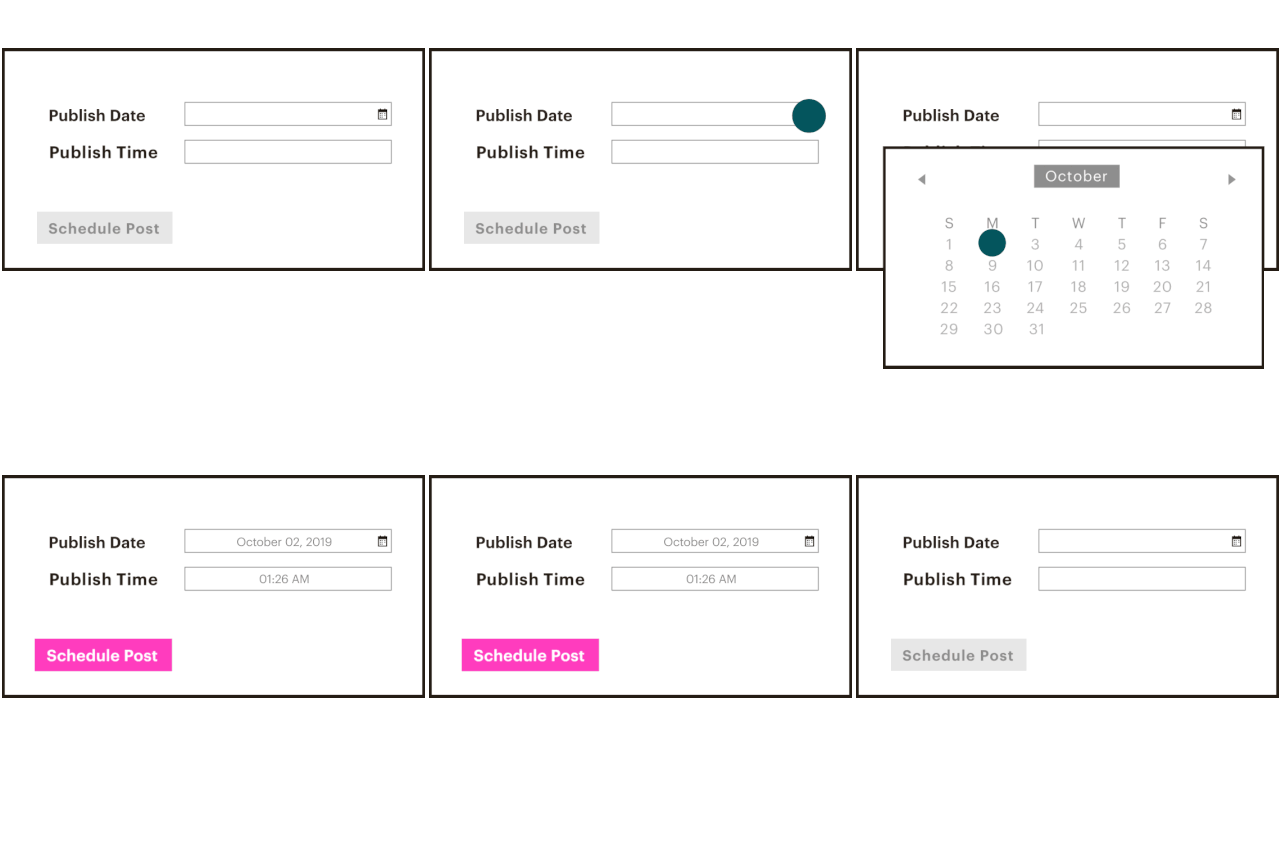
With our scheduling features, you’ll have one less thing to remember—and one less thing to do. Choose our Standard plan to schedule social posts and email in advance.
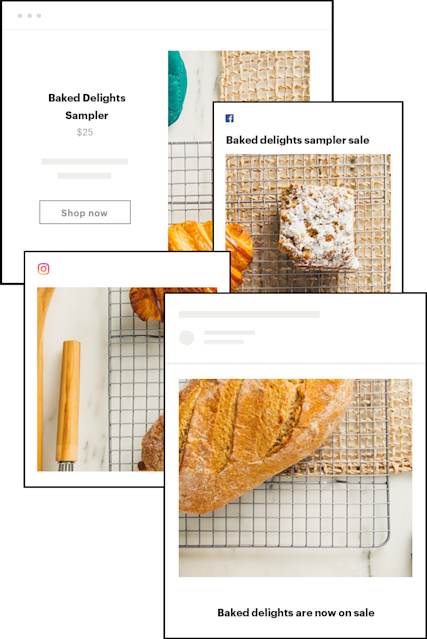
Easily plan campaigns by bringing together all your emails, social posts, ads, and postcards into one clear view.
Yes. Mailchimp includes a built-in marketing calendar that gives you a monthly view of all your scheduled and completed campaigns in one place.
To access it, go to Campaigns and select Calendar View. If you manage multiple audiences, you can filter the calendar to show campaigns for a specific audience so you're only seeing what's relevant. Review campaign progress and access reporting insights directly from the calendar without navigating away.
A marketing calendar is a planning tool that gives you a unified view of all your upcoming and active marketing activity.
Rather than tracking campaigns across separate spreadsheets, platforms, or apps, a marketing calendar brings everything together so you can see how your efforts are coordinated across channels and over time.
In Mailchimp, the marketing calendar displays emails, social posts, ads, postcards, and more, all on a single timeline. This makes it easier to plan around important dates and seasonal opportunities well in advance, coordinate messaging across channels, and avoid the scramble of putting together last-minute campaigns.
When you can see everything at once, you can spot gaps, avoid overlap, and make sure your marketing is building toward something rather than running in parallel without purpose. For a deeper look at how to get the most out of one, our guide to building a marketing calendar covers the key principles.
A content calendar focuses specifically on planning and scheduling content, typically blog posts, social media content, or editorial pieces. It's primarily concerned with what you're publishing and when. Our guide to creating a content calendar is a good starting point if that's what you're looking to build.
A marketing calendar is broader. It covers all campaign types across all channels, including emails, paid ads, social posts, and direct mail, alongside the content calendar's function. It's less about what you're creating and more about how your entire marketing plan fits together over time.
Mailchimp's calendar serves both functions. You can track content-level decisions like social post copy and send dates alongside channel-level coordination across email, ads, and more, all within the same view.
Yes. Mailchimp lets you schedule Facebook, Instagram, and X (Twitter) posts directly from the platform, and those posts appear on your marketing calendar alongside your emails and ads. This means you can plan your social content in the same place you manage the rest of your marketing rather than maintaining a separate social scheduling tool.
Seeing social posts alongside email sends makes it easier to coordinate messaging so both channels reinforce each other. If you're starting from scratch, our social media calendar template can help you get organized before you start scheduling. Social post scheduling requires a Standard plan or above.
The Mailchimp marketing calendar displays the following campaign types once they are scheduled or completed:
You don't need to build it manually. When you schedule any campaign in Mailchimp, it's automatically added to your marketing calendar. There's no separate setup required. When finalizing your campaign settings, simply select your preferred delivery date and time and it will appear on the calendar.
If you're not sure when to send, Mailchimp's Send Time Optimization feature can recommend the best time based on your audience's engagement patterns. For broader advice on planning your publishing schedule across channels, our guide to scheduling your content is worth a read.
Social post scheduling and Send Time Optimization both require a Standard plan or above.
Yes. You can make changes to campaigns without leaving the calendar view. This includes changing the publish date, pausing an active campaign, or editing campaign details for emails, social posts, and ads. It's a useful way to make quick adjustments to your schedule without having to navigate into each campaign individually.
The marketing calendar is available on all Mailchimp plans, including Free. However, some features within the calendar require a higher plan. Social post scheduling and Send Time Optimization both require a Standard plan or above.
See mailchimp.com/pricing for a full plan comparison.
Social Media
Mailchimp's social media post schedulers makes creating and publishing your social media campaigns easy.
Websites & Stores
Build a website that lets you sell products, schedule appointments, and more.
*Disclaimers
