Add an Embedded Signup Form to Your Website
We automatically create signup forms for your audience. Learn how to embed a signup form on your site. And find out which third-party sites accept Mailchimp forms.



Get the job done with a pro
From training to full-service marketing, our community of partners can help you make things happen.
In this article, you'll learn how to create an embedded signup form, customize its content and settings to fit your marketing needs, and add the form code to your website to attract new email and subscribed SMS contacts and boost your engagement.
Here are some things to know before you begin this process.
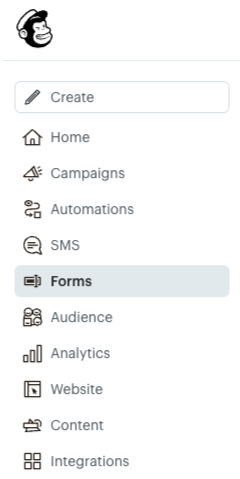

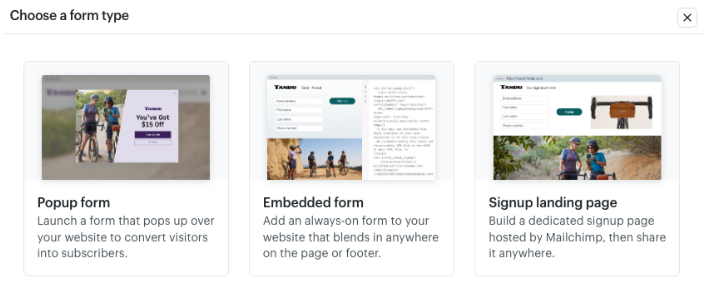
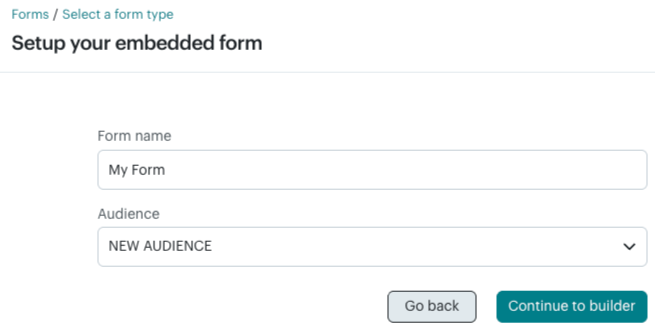
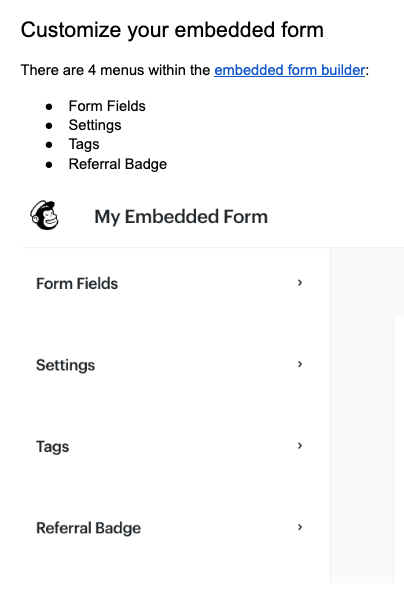
There are 4 menus within the embedded form builder: Form Fields, Settings, Tags, and Referral Badge.
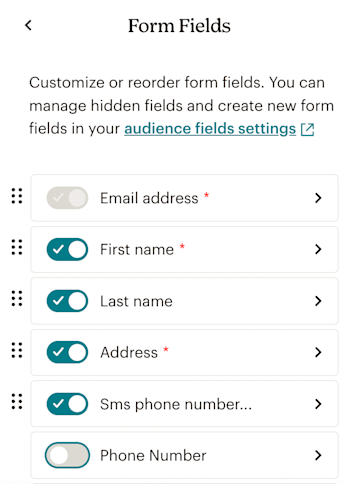
Enable, disable, or rearrange specific audience fields to manage what appears on your embedded form and in what order. Enter a display name or help text to customize your form experience for contacts. A preview of your embedded form populates after you make any changes.
To enable or disable a form field, toggle the field name slider on or off. To rearrange your form fields, click the dot icon next to a form field, and drag it into the desired position within the list. When a form field is re-enabled, it automatically moves above your disabled fields. When a form field is disabled, it moves to its original position.
Here are a few things to keep in mind when you work with embedded form fields.
Before you can send marketing text messages, you need to obtain SMS marketing consent from your contacts. This is different from email marketing consent.
Either an email address field or SMS phone number field is required. You can have both.
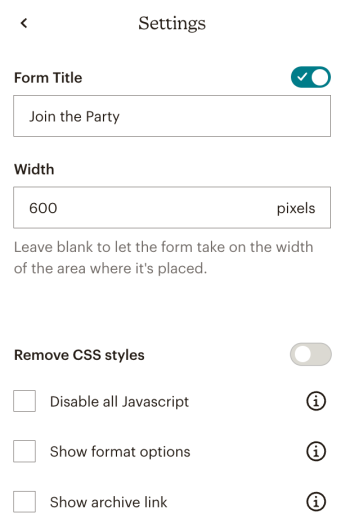
Add a form title or the desired form width. You can also manage other form settings such as JavaScript, email format options, and your campaign archive link.
Automatically tag any contact who signs up via your embedded form. Assign an existing tag or add a new tag. To learn more about how to use tags to manage your audience, check out Getting Started with Tags.
Note: If you include an embedded signup form on multiple webpages like a homepage, a contact page, and a product page, you may want to learn which of those pages your subscribers used to sign up. Creating a separate embedded form for each location and adding a unique tag to each form is a great way to accomplish this. The tag will appear in the profile of new subscribers from the embedded form, and you can use the tag to segment your audience and send targeted content to subscribers who used that specific form.

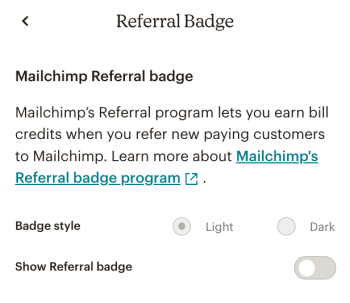
Select whether or not to include a Mailchimp Referral badge and which style to use. The Referral badge is required for Free accounts.
Now that you’ve customized the embedded form, you’re ready to generate the form code! Check out Add an Embedded Signup Form to Your Website.
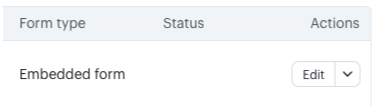
After you’ve created and customized your embedded form, you’ll need to generate the form’s code within the embedded form builder.
To generate your form code, follow these steps.
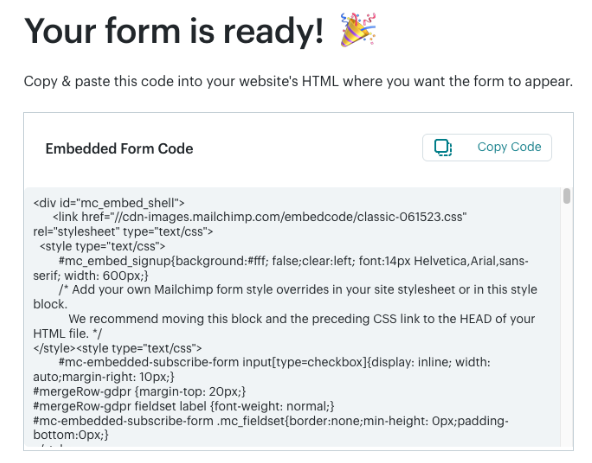
Note: Embedded forms inherit your website's style sheet, so the form may look different in Mailchimp than it does on your website.
For multiple countries, for each phone number added per country, you’ll need to republish your form with updated Mailchimp code.
Many third-party website platforms make it easy to embed Mailchimp signup forms. Check your website provider's support page for guidance if your platform isn't listed here.
Depending on your website platform, manual changes to the form's code may be required. For more details, check out Troubleshooting the Embedded Signup Form.
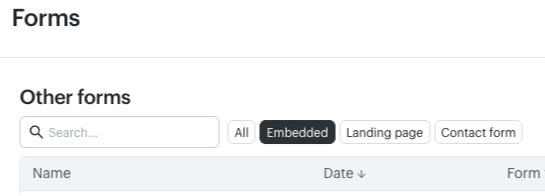
Create multiple embedded forms to personalize your marketing and grow your audience.
Here are some actions you can perform on the forms dashboard to manage your embedded forms.
From here, you can:
Technical Support

Have a question?
Paid users can log in to access email and chat support.
We automatically create signup forms for your audience. Learn how to embed a signup form on your site. And find out which third-party sites accept Mailchimp forms.
Different signup forms can help you win subscribers from different places. Learn about Mailchimp's signup form options and choose the best type for you.