
Marketing Automation Tools
Marketing Automation Tools to Save Your Business Time | Mailchimp
Learn how Mailchimp’s marketing automation tools can improve marketing efforts as well as save time by taking repetitive tasks off your plate.
Get a holistic view of your audience that gives you better insights into who is using your product and how, so that you can send more targeted marketing


See a full view of where users are engaging with you and how.

Segment your users based on their key information and traits.

Get individual data on how users engage with your product.
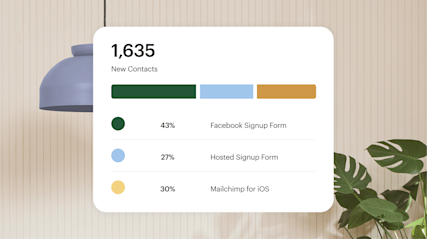
Connect your product or your favorite business tools to Mailchimp so that you can see all of your audience data in one place. From our flexible API to secure Mobile SDK to pre-built integrations, you can connect your data in the way that works best for you to have audience information right at your fingertips.
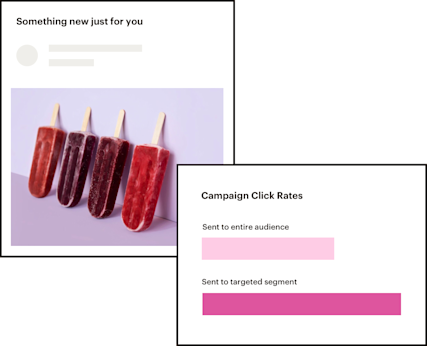
Once you have all of your audience data in one place you can use Mailchimp’s tags to label user traits and then create segments based on those traits. Create custom tags that you can apply based on who a user is or how they find you so that you can organize your audience to gain deeper insights.
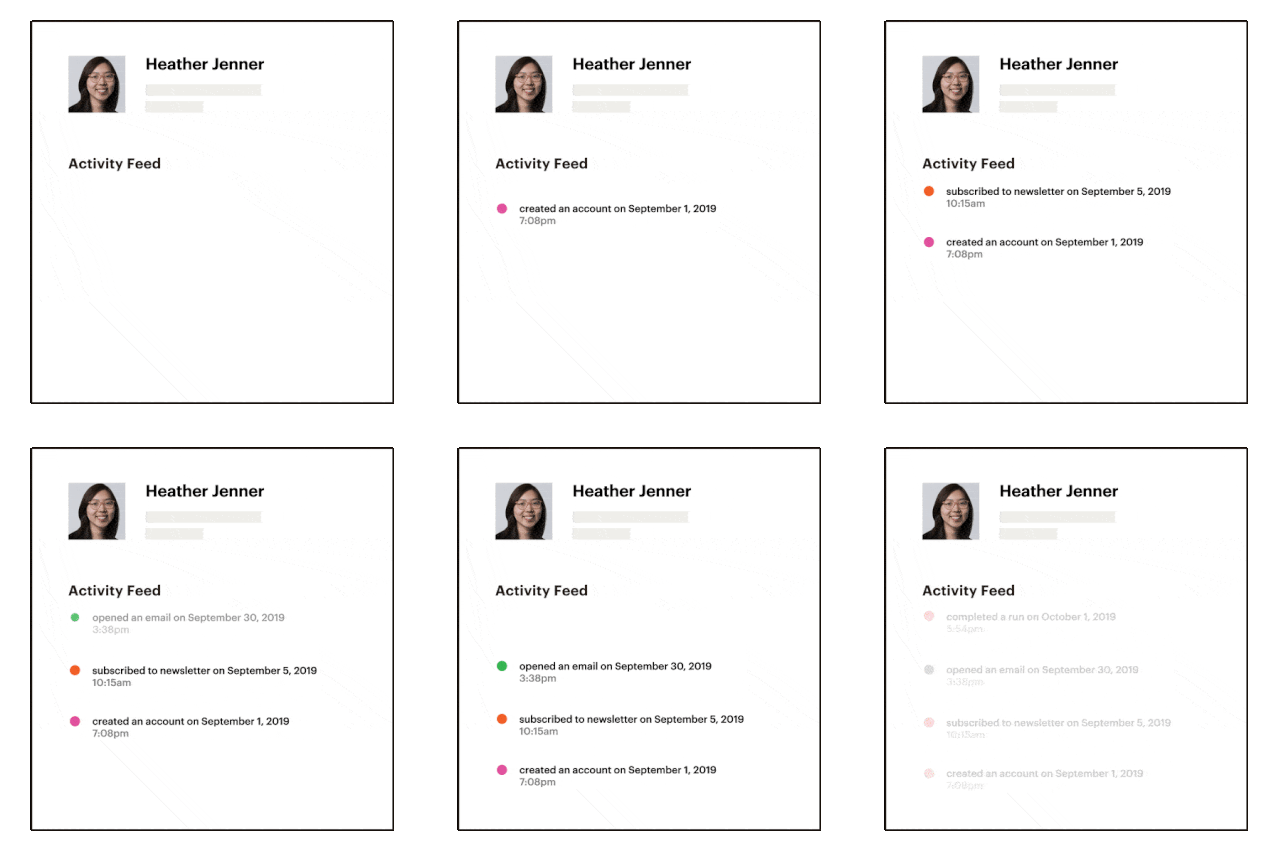
Combining information about who your users are with how they engage with your product leads to powerful insights into your user needs. Track user behavior in your product, on the web or on mobile, to get a full view of where they engage with you and how so that you can send relevant, targeted messages at just the right time.
User behavior analytics is the action of collecting and analyzing data on how people interact with your website, app, or product. That includes things like page views, clicks, session length, purchase history, and engagement patterns over time. When you understand what users actually do — not just who they are — you can build marketing that meets them where they are. A unified view is especially useful for first-time user experience, allowing you to see exactly where new users drop off or disengage and adjust accordingly.
Mailchimp's user insights tools surface this data automatically, so you don’t have to dig through spreadsheets to figure out what's working.
User insights are actionable data points that come from how individual users engage with your content or product. They're different from general analytics, which tend to give you aggregate numbers. User insights are behavioral and individual — they tell you what a specific contact did and when.
Mailchimp pulls together product data, web data, and mobile data into one view, so you don’t have to bounce between platforms to piece together a complete picture.
Mailchimp tracks a wide range of user activities. Here's what's included:
Mailchimp gives you a few ways to bring data in. Here's how it works:
Once your data is in, there's a lot you can do with it. These approaches tend to have the most impact:
Marketing Automation Tools
Learn how Mailchimp’s marketing automation tools can improve marketing efforts as well as save time by taking repetitive tasks off your plate.
Audience Dashboard
Our audience dashboard gives you the tools you need to understand contact data and act on it—all in one place.
Smart Insights
Mailchimp's marketing insights tools analyze your audience, benchmark your performance, and surface recommendations so every campaign gets smarter than the last.
*Disclaimers